



 LIMITED TIME
Last Sale Of The Year!
Up to 20% off at checkout on the YoraHome Store.
Grab All The Yoras You Want!
Carving Machines
15% off Yora 3018-Pro Machine
15% off Yora 3018-Pro Accessories
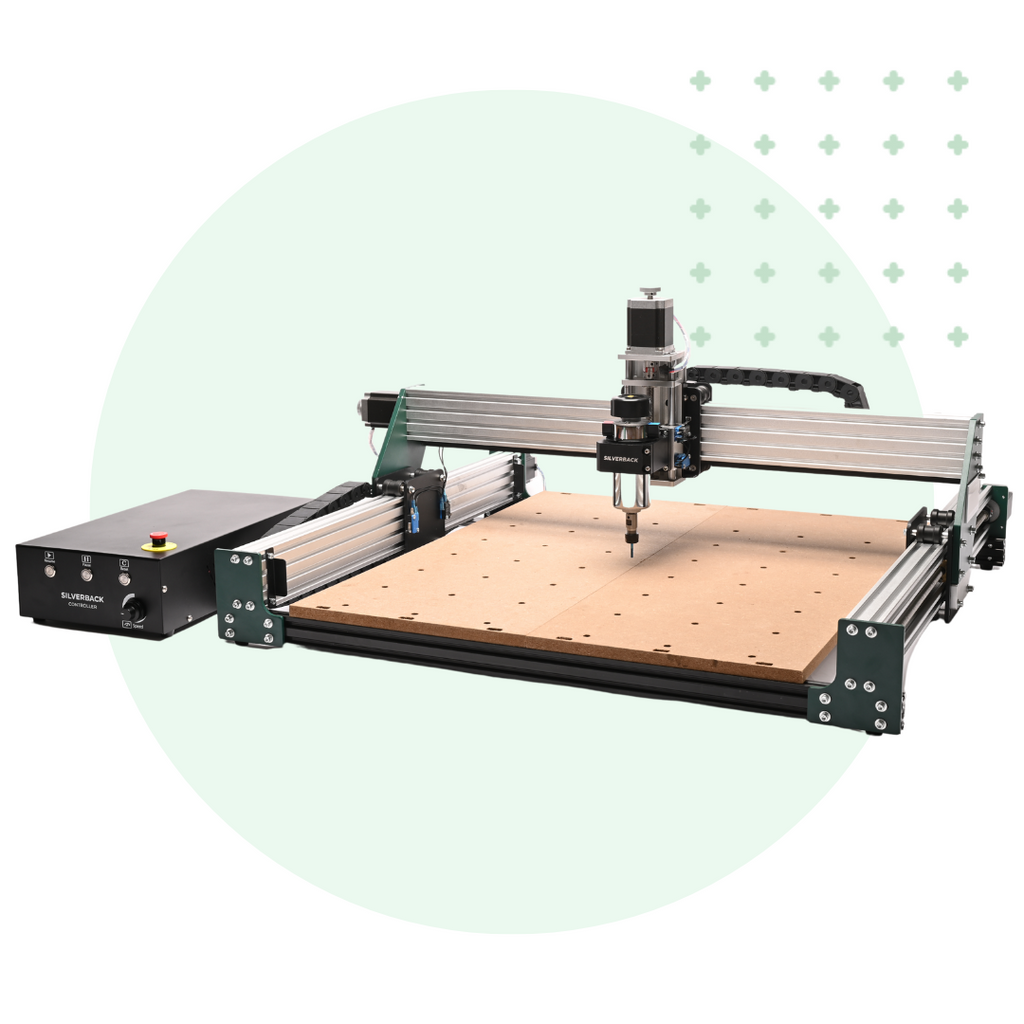
$100 off Yora SilverBack Machine
8% off Yora SilverBack Accessories
15% off Yora Router Bits
Laser Engravers
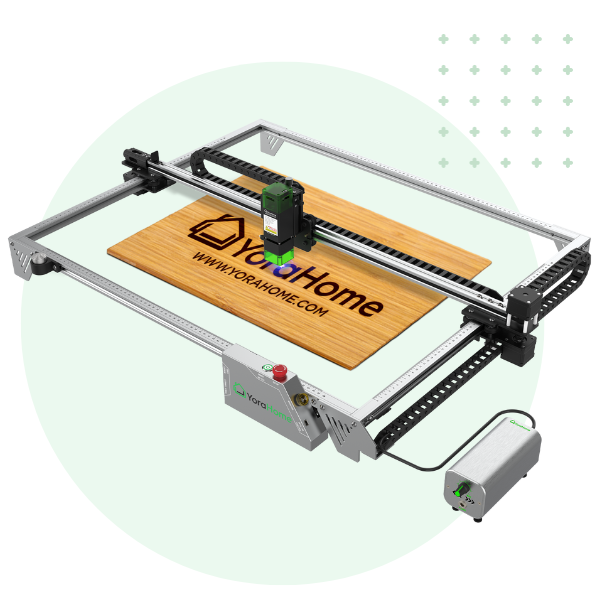
15% off Yora 6550 Machine
15% off Yora 6550 Accessories
15% off Yora Mini Laser Engraver
15% off Yora Draw
$200 off Yora CO2 Laser Engravers
$200 off Yora Fiber Laser Engravers
3D Printers
$10 off Yora Ender-3 V2
$30 off Yora CR-6 SE
$40 off Yora Ender-5 Pro
→Each printer comes with 3x Free bonus items
3D Filaments And Accessories
20% off Yora PLA Filaments
15% off Yora 3D Printers Accessories
1x Free Yora Filament Dryer For 1x 3D Printer + 5x PLA Filaments or 10x PLA Filaments
Woodworking Tools: 20% off
Home And Office Accessories: 20% off
Get Amazing Free Items With The Gorilla Bundles!
#1: 1x Free Yora 3018 Essential Bits For 1x Yora 3018 + 1x Yora 6550
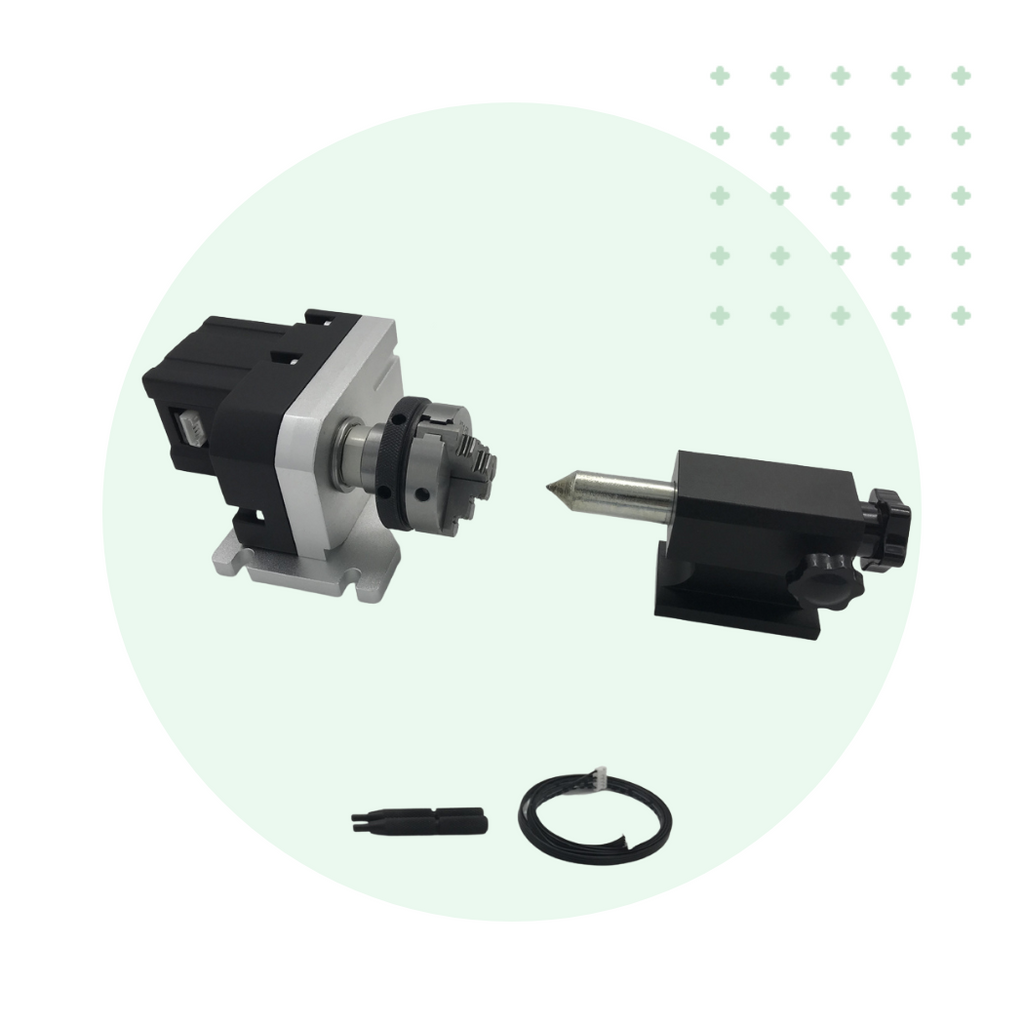
#2: 1x Free Yora Rotate Module For 1x Yora 6550 + 1x Yora Draw
#3: 1x Free Yora Filament Dryer For 1x Yora 6550 + 1x 3D Printer
#4: 1x Free Yora TLC Rotary For 1x Yora 3018 + 1x Yora 6550 + 1x Yora Draw
#5: 1x Free Yora 6550 Z-Axis, Drag Chain, Air Assist and 3D Led Lamp For 1x Yora 3018 + 1x Yora 6550 + 1x Yora 3D Printer
Terms Apply
Springtime in the Shop: Making a Clock With YoraHome!


The Clock is Ticking!
Spring is rapidly approaching, and many of us just went through the fun of "spring ahead" with Daylight Saving Time - so it's time to chase out the winter doldrums and get started on projects in the shop!
As we gear up for the craft show season to kick off, we wanted to get some new items ready for market. We caught a great sale on some wood rounds at our local home improvement store, and already had some clock mechanisms - so let's put our machines to work and get some clocks made up!
Materials for this project are pretty straightforward - we got the 1x10 wood rounds for a dollar, and the clock mechanisms can be found online for less than $5 each; making this an economical job that can make you a tidy profit.


1. What Machines Are We Using?
For this project, we decided to use a combination of CNC Router and Laser Engraving; so we chose the CrossRiver and the CO2 Laser Engraver.
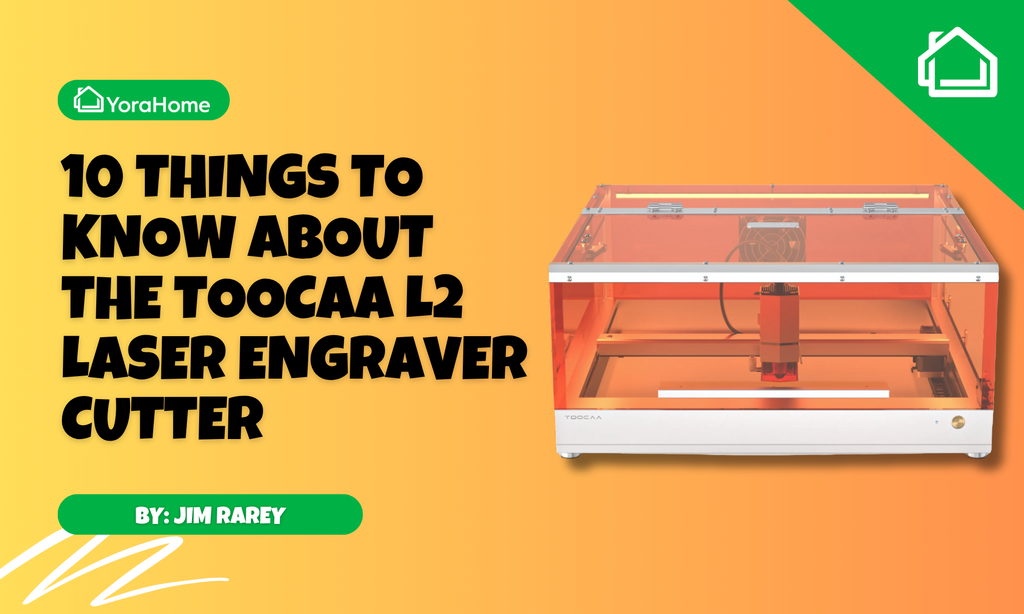
The laser engraving could also be done with one of the diode laser options - the 6550, L2, or even adding a laser module to the CrossRiver.

2. Preparing to Carve
We wanted to be able to recess the clock mechanism into the wood round - that way we didn't need to have the really long clock shaft, and it makes it easier for the customer to hang the clock up.
So, the first thing we need to do is determine how much space we need for the clock mechanism - time to start measuring!
Many of the clock kits out there are about the same size; but make sure to verify yours before just following the measurements shown here.
We needed to know a few key measurements in order to calculate our carve:
- Height and width of the clock mechanism
- Diameter of the clock shaft
- Length of the clock shaft
- Thickness of the wood round
The clock kits we had did not list the dimensions (or I lost the paperwork showing them, which is always a possibility); so we just used a ruler to verify.
Measuring the height/width of the clock gave us a square about 55x55mm.

To get the diameter of the clock shaft, we could have used a caliper to get the external measurement.
But, for a quick determination, I just measured the washer that is used to hold it all together - giving us a diameter of 8mm.

The length of the clock shaft is the one measurement where mistakes can be made that will make this project a little harder - don't forget to allow for the retaining nut that holds the mechanism in place!
I also included the hanger mount and rubber washer, since that will make wall hanging easier. This got a length of right about 6mm - so that's what we went with.

The wood rounds had been previously measured at 19mm thick; so we now had all the measurements we need to get our carve set up.
3. Setting up the Carve in Easel
For a simple carve like this, Easel will work just fine - all we had to do was make a square pocket and a circular pocket, and set the depth accordingly.
To allow for a little fine adjustment, we set the square pocket to 60x60mm. This gives us enough adjustment to ensure we get the clock design lined up right.
Since we know the clock shaft depth is 6mm, and the wood is 19mm thick, we set the pocket depth at 13mm.
For the center hole, set the diameter at 8mm, and the depth all the way through (19mm).
Align the shapes atop one another, and set the origin in the center - that will make aligning your project much simpler.


Since we are using the CrossRiver with an upgraded spindle, we were able to get fairly aggressive with our cut settings - running at 2000 mm/min, with a depth per pass of 2.5mm on a 1/4 inch upcut bit.
Note: If running the stock 500W spindle, or smaller diameter bits, you may want to reduce those values by about half.

(Yes, I am aware that Easel is set to show a rectangular board; Easel will not allow us to define a circle, so we do have to "lie" to it just a bit - this is also why I am using the center origin.)
4. Preparing the Wood Round
Since we want our clock to be in the center of our wood round, we need to find the center of the round.
To do this, we used the center head part of a combination square set to scribe some intersecting marks approximately 90 degrees apart.
Don't have a combination square set? Get yours as a part of the YoraHome Precision Measuring Set!


We marked it right over the sticker, since the carving will go ahead and remove the sticker for us - your material may vary.
Once you have your center defined, secure the wood round to the work bed - we use a scrap piece of 3mm MDF underneath the wood to allow for the center hole to be carved through, without contacting the spoilboard.

A quick hint to make the laser engraving easier to align - make sure the grain/seams in the wood round are set straight across, so the pocket will align with them.
When positioning on the laser, you won't be able to see where the top edge of the pocket is, but you can align the seams in the same orientation.

Make sure everything is clamped down securely, and your're ready to start your carve.
If this is your first carve, and you need more guidance on using Easel, check out our YouTube channel for more tutorials.

Once the carve is completed, you will have a nice center hole and pocket - ready for the next steps!


5. Engraving the Clock Face
Now, we switched over to the CO2 Laser Engraver Cutter and LightBurn software.
We found a nice design for the clock layout, and set up the project in LightBurn - just like in Easel, we set our origin in the center, and made sure the diameter matched the face of the wood round.
In this case, the clock face is approximately 9.5 inches in diamter, which allows for the rounded edge of the wood round.

If you don't have saved settings for working with the material of choice, you may want to run some test grids to make sure you get the end results desired.
Since we are using a CO2 machine, our speeds and power levels will be much different than if you are using a diode laser.
Once you have your project ready to engrave, and your workpiece positioned accordingly - you're ready to start burning!

Once the laser is finished, final wood finishing is entirely your choice. We have not decided on a finish as yet, but will likely just put a coat of polyurethane on it for basic protection, and to highlight the engraving.
6. Final Assembly and Finished Product
Now that your clock face is completed, it's time to assemble the clock mechanism.
Most clock kits assemble very similarly: simply install the hanger and drop the mechanism in the pocket, and secure with the nut and washer.
Select your choice of clock hands, and assembly is complete!

Enjoy your finished project!
If you have an idea for a quick project you'd like to see us cover in a future blog post, let us know by sending an email to support@yorahome.com - your idea may be the next one showcased!



Get The Freshest Content
Straight To Your Inbox
Join over 3,000 creators who receive premium content, exclusive discounts, and all the must-know info on a weekly basis.